DeskMinder
Quick timers and reminders that sit on your desktop.
About DeskMinder
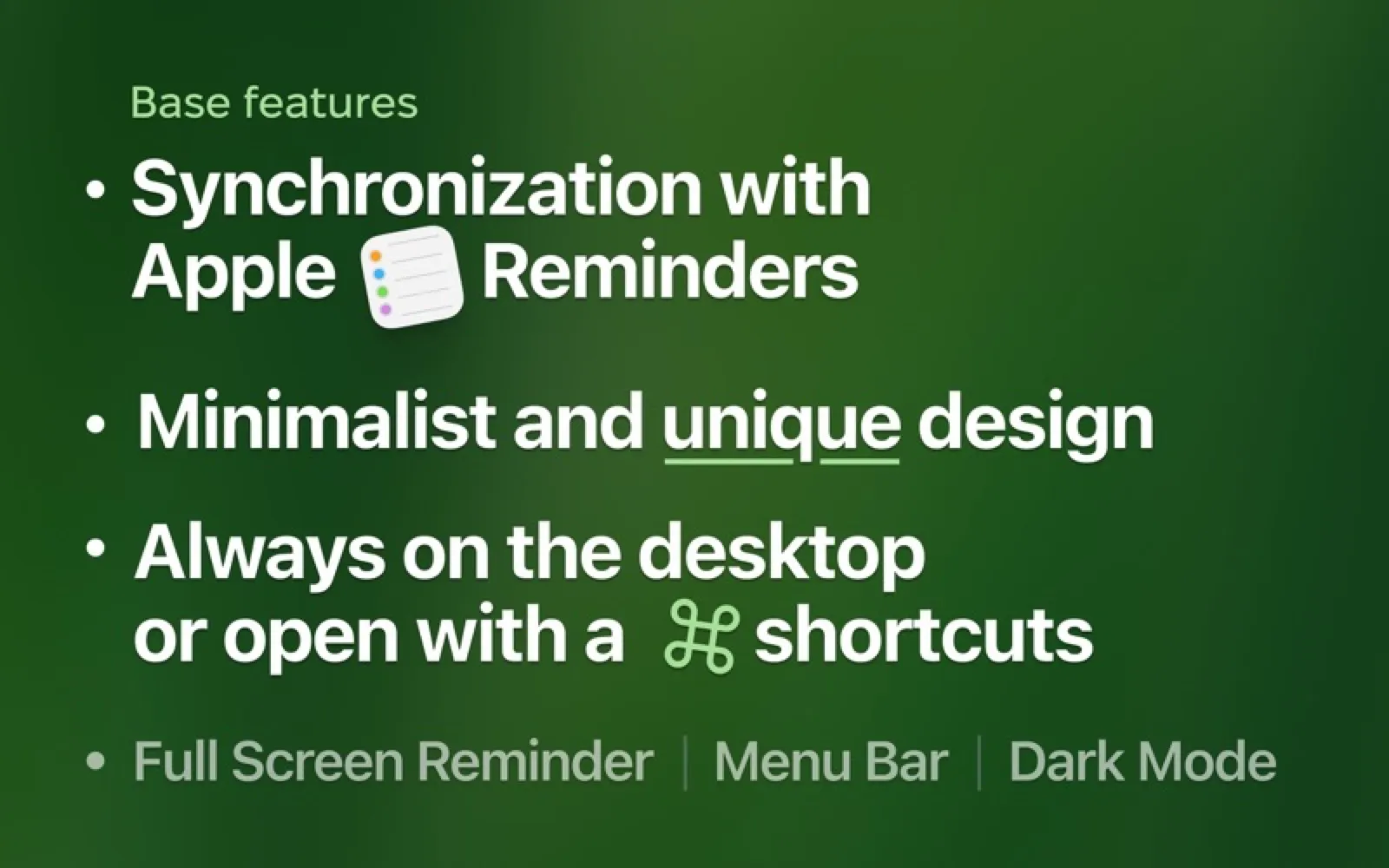
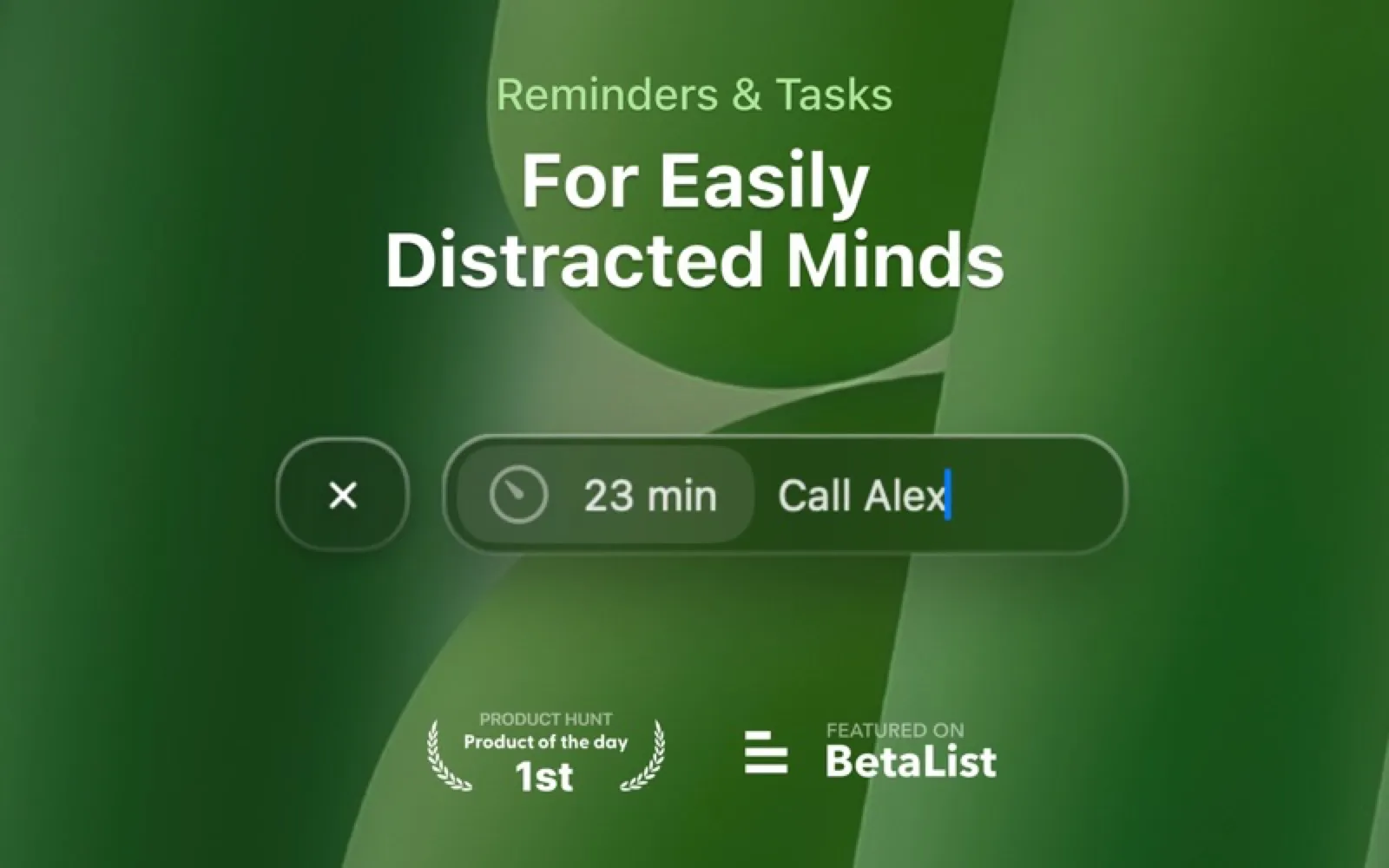
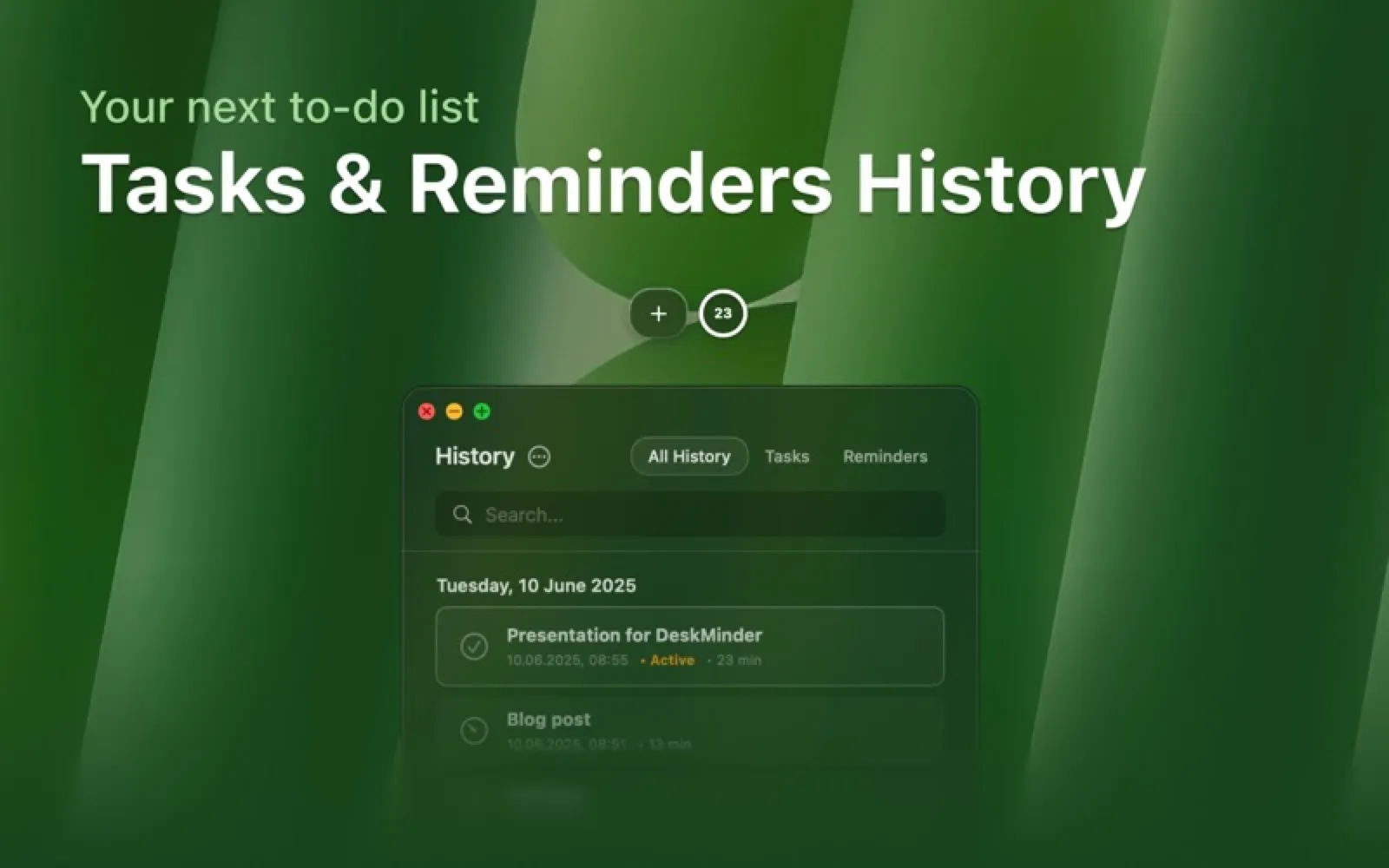
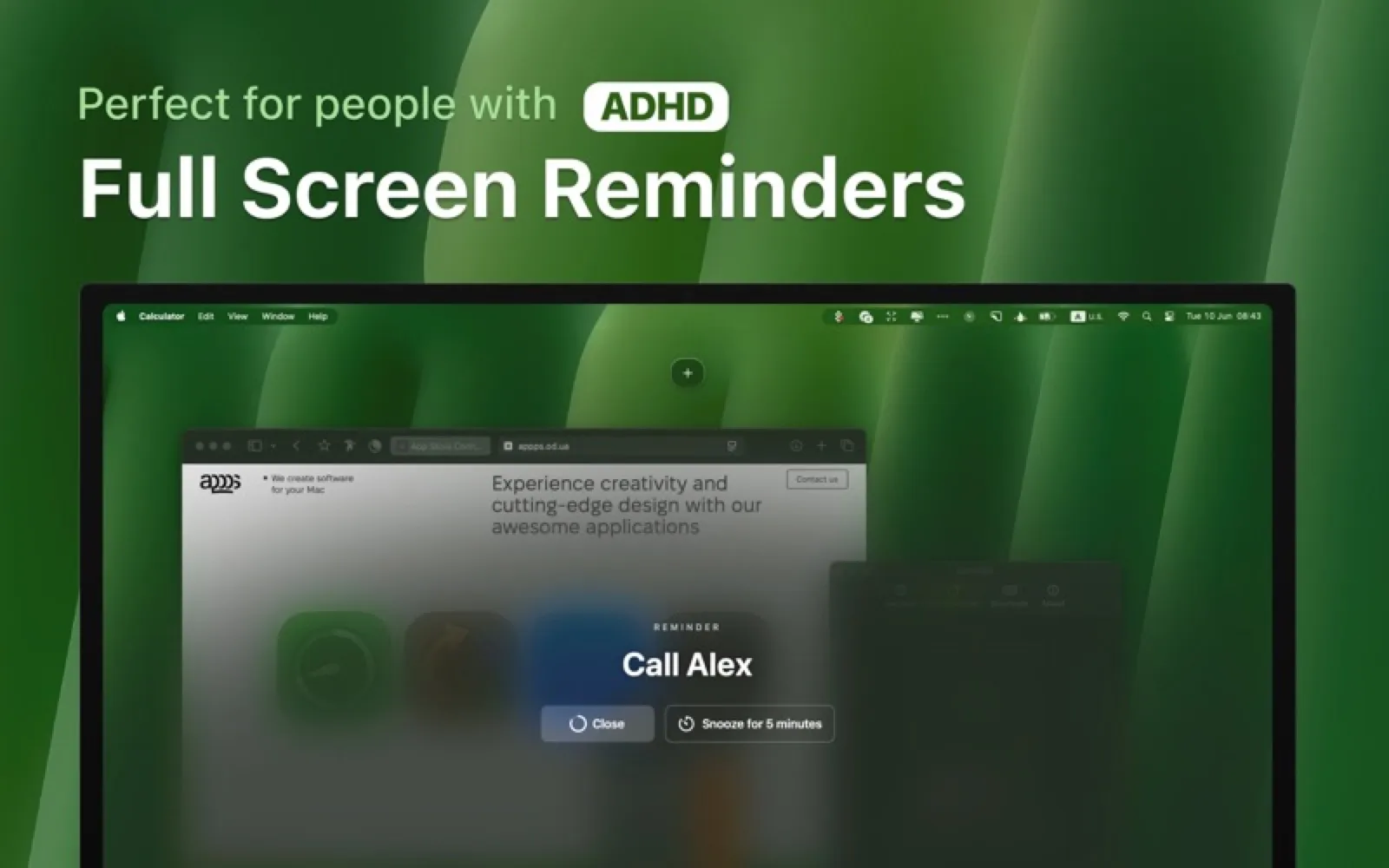
DeskMinder sets a short reminder in a click and shows it as a desktop widget or in the menu bar, with optional full-screen alerts that are hard to miss. Reminders can sync to Apple Reminders so they reach your iPhone and Watch.
Install DeskMinder
Download it from the links above, or install it from the Terminal:
mas install 6740942938 Questions about DeskMinder
Is DeskMinder free?
DeskMinder is free to download and use, with paid upgrades for extra features.
Where can I download DeskMinder for Mac?
Download DeskMinder from the Mac App Store and the developer's website (deskminder.appps.od.ua). MacWorthy links only to official sources.
Can I install DeskMinder from the Terminal?
Yes. With Mac App Store CLI, run mas install 6740942938.
Which macOS version does DeskMinder need?
The Mac App Store version of DeskMinder requires macOS 14.0 or later.
What are good alternatives to DeskMinder?
Other productivity apps for Mac worth a look are Session (free + pro), Due (one-time purchase), Cuewake (one-time purchase) and Things 3 (one-time purchase).
Other productivity apps like DeskMinder

Session
A focus timer that blocks the noise.
Due
Reminders that nag until you do the thing.

Cuewake
Notes that wait for you inside the app they belong to.
Things 3
The task manager that feels like paper, only smarter.

Raycast
A faster way to do everything on your Mac.
Fantastical
A calendar that understands plain sentences.

OmniFocus
Industrial-strength GTD for complex lives.

Alfred
The launcher power users have trusted for a decade.