Drafts
Where text starts, before it knows where it goes.
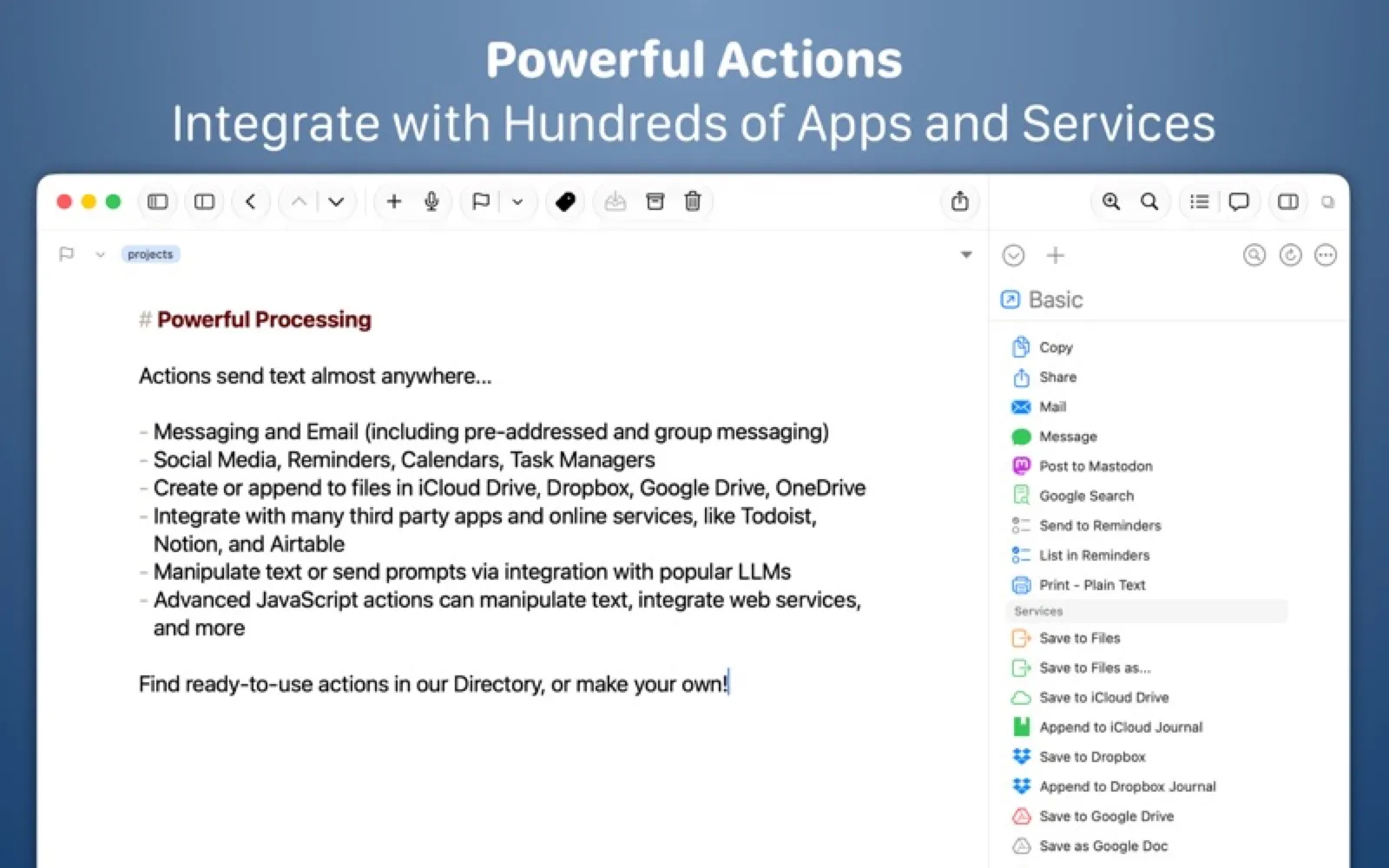
About Drafts
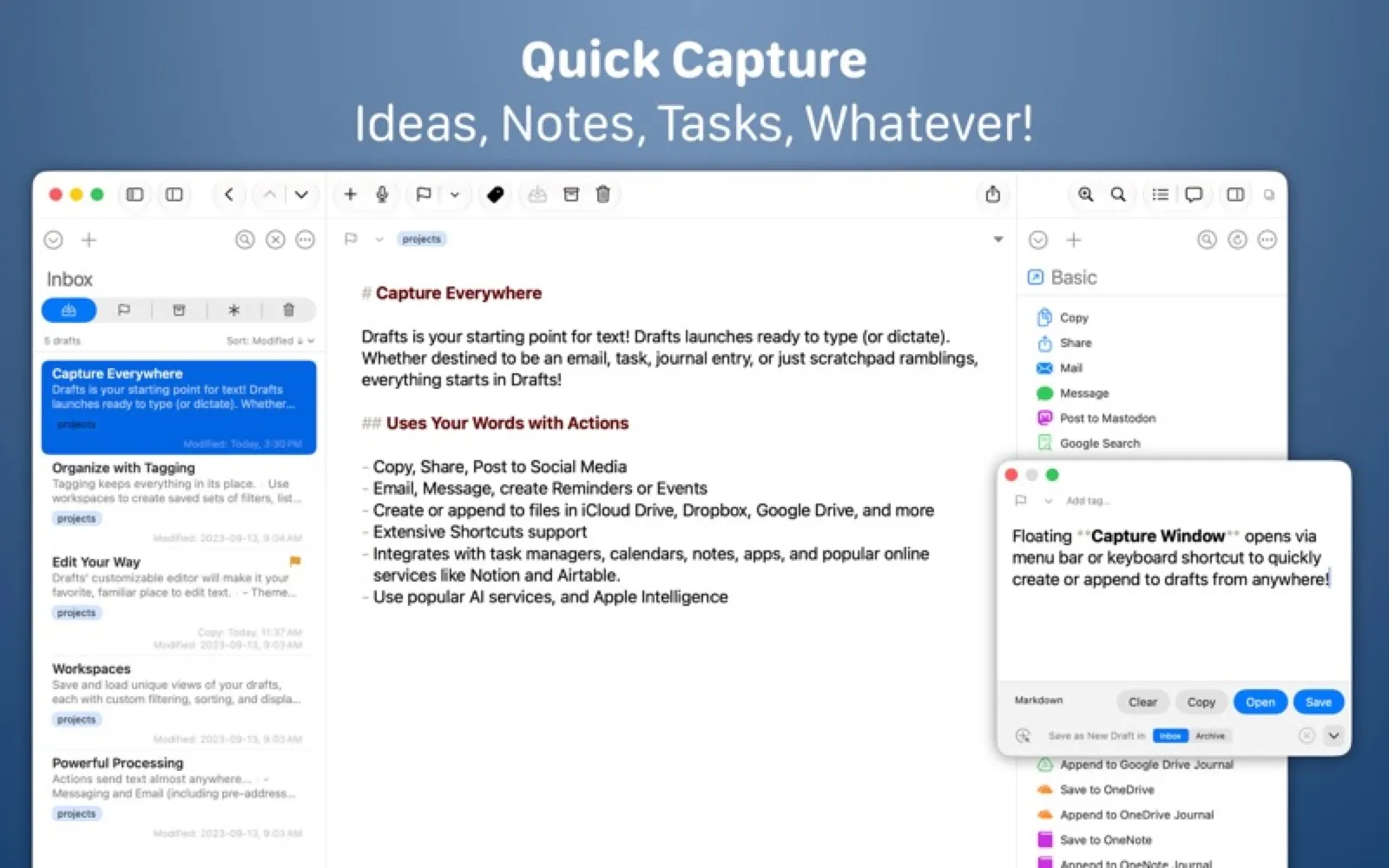
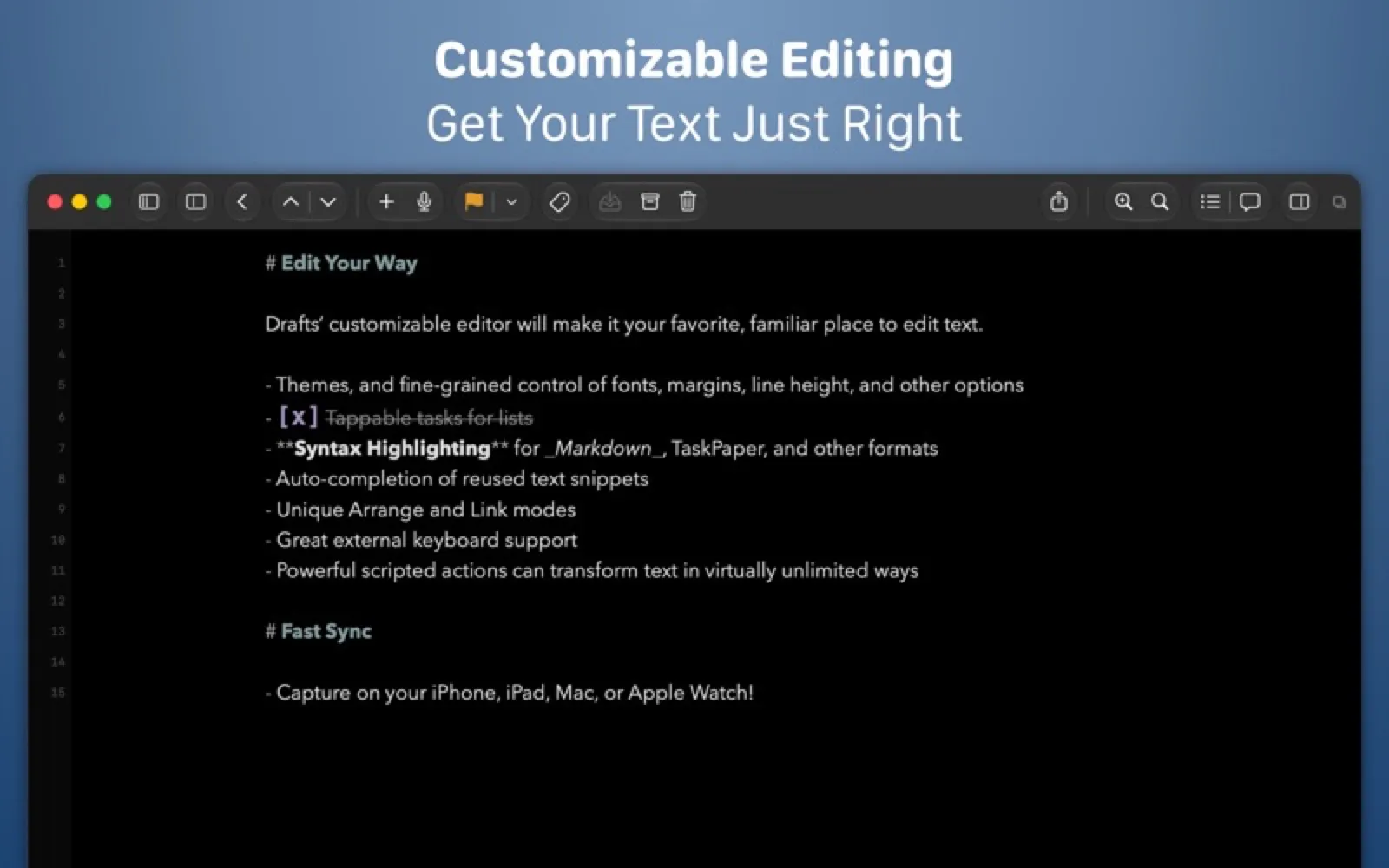
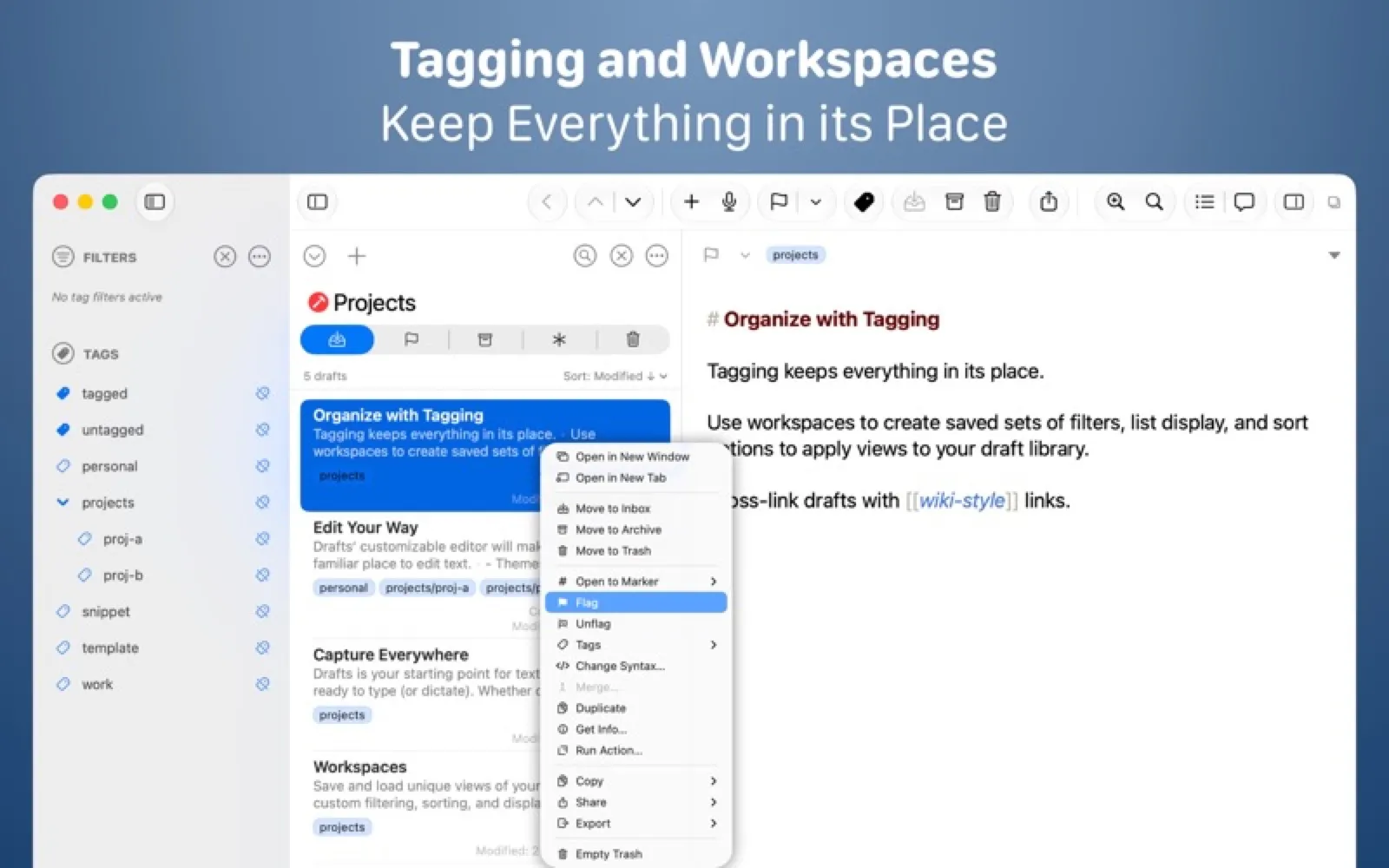
Drafts opens to a blank page instantly. Capture first, then send the text anywhere with actions you can script yourself.
Install Drafts
Download it from the links above, or install it from the Terminal:
mas install 1435957248 Questions about Drafts
Is Drafts free?
Drafts is free to download and use, with paid upgrades for extra features.
Where can I download Drafts for Mac?
Download Drafts from the Mac App Store and the developer's website (getdrafts.com). MacWorthy links only to official sources.
Can I install Drafts from the Terminal?
Yes. With Mac App Store CLI, run mas install 1435957248.
Which macOS version does Drafts need?
The Mac App Store version of Drafts requires macOS 12.7 or later.
What are good alternatives to Drafts?
Other writing & notes apps for Mac worth a look are Bear (free + pro), Craft (free + pro), Tot (free + pro) and Agenda (free + pro).
Other writing & notes apps like Drafts
Bear
Beautiful notes, linked and tagged.
Craft
Documents that look designed by default.
Tot
Seven dots. Seven notes. That's it.
Agenda
Notes that live on a timeline.
Cirrus
A Markdown note that pops up over whatever you are doing.
iA Writer
Focused Markdown writing, nothing more.
Ulysses
A complete writing environment for long work.

MarkEdit
TextEdit, if it spoke Markdown.