DaisyDisk
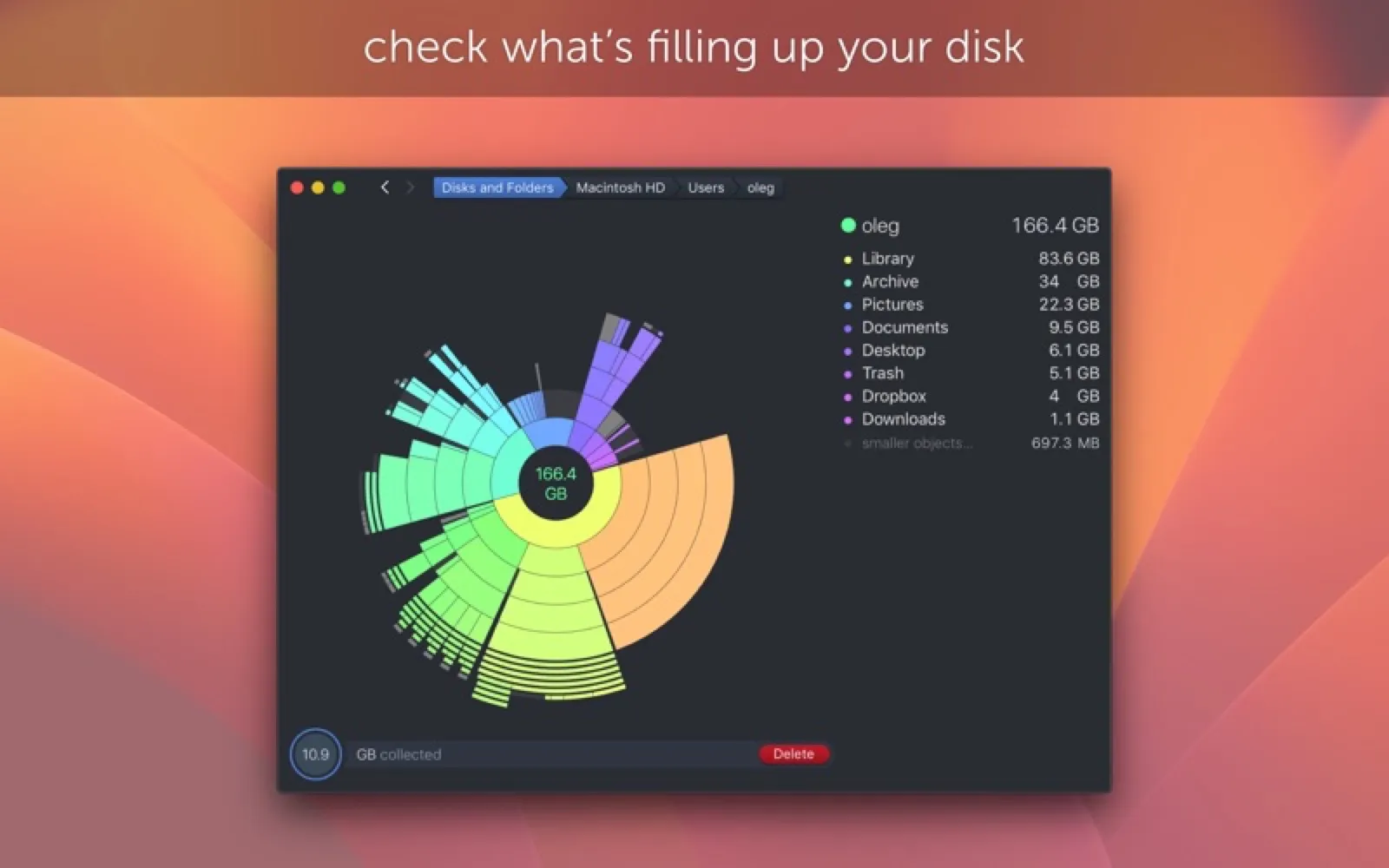
See what's filling your disk.
About DaisyDisk
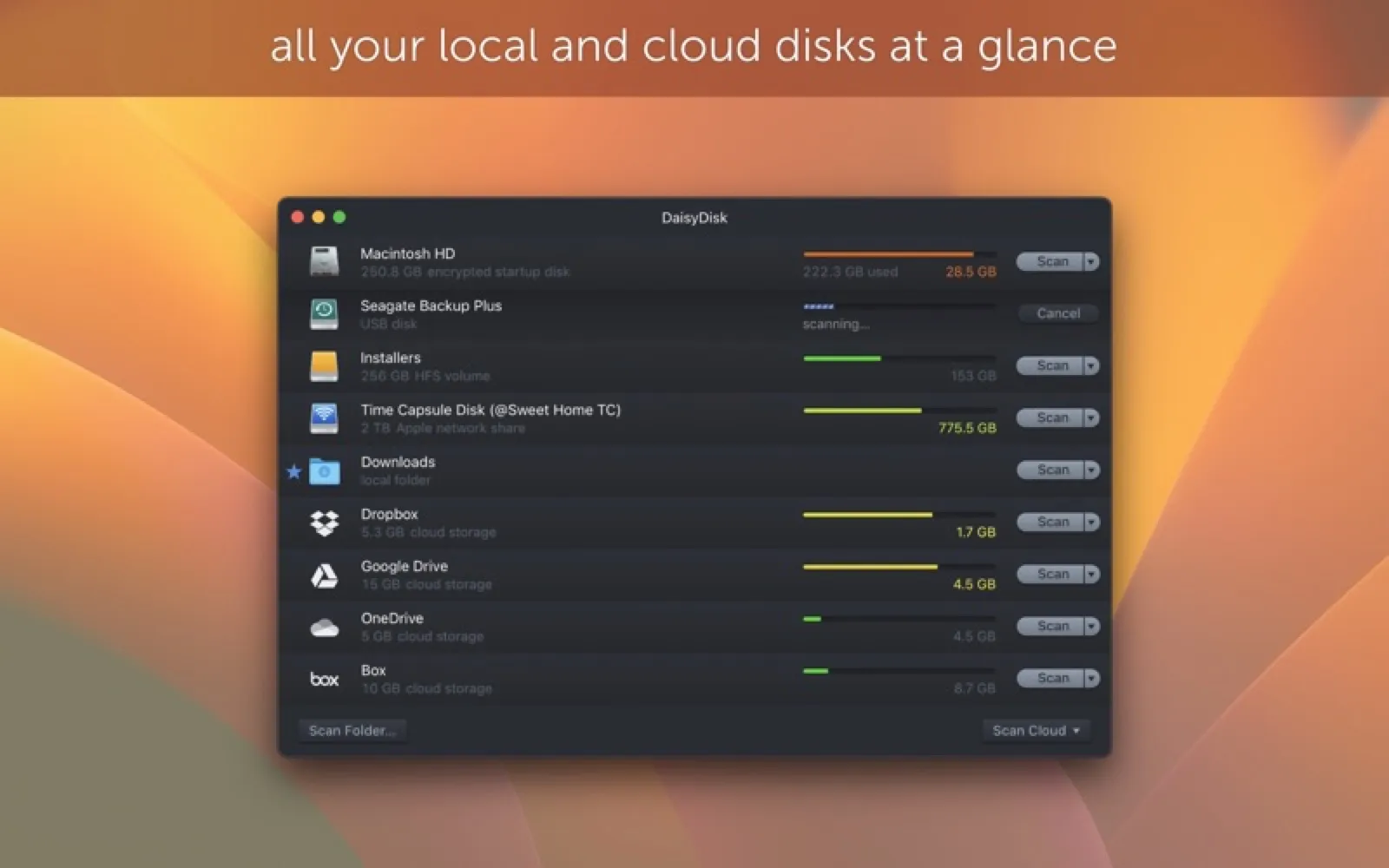
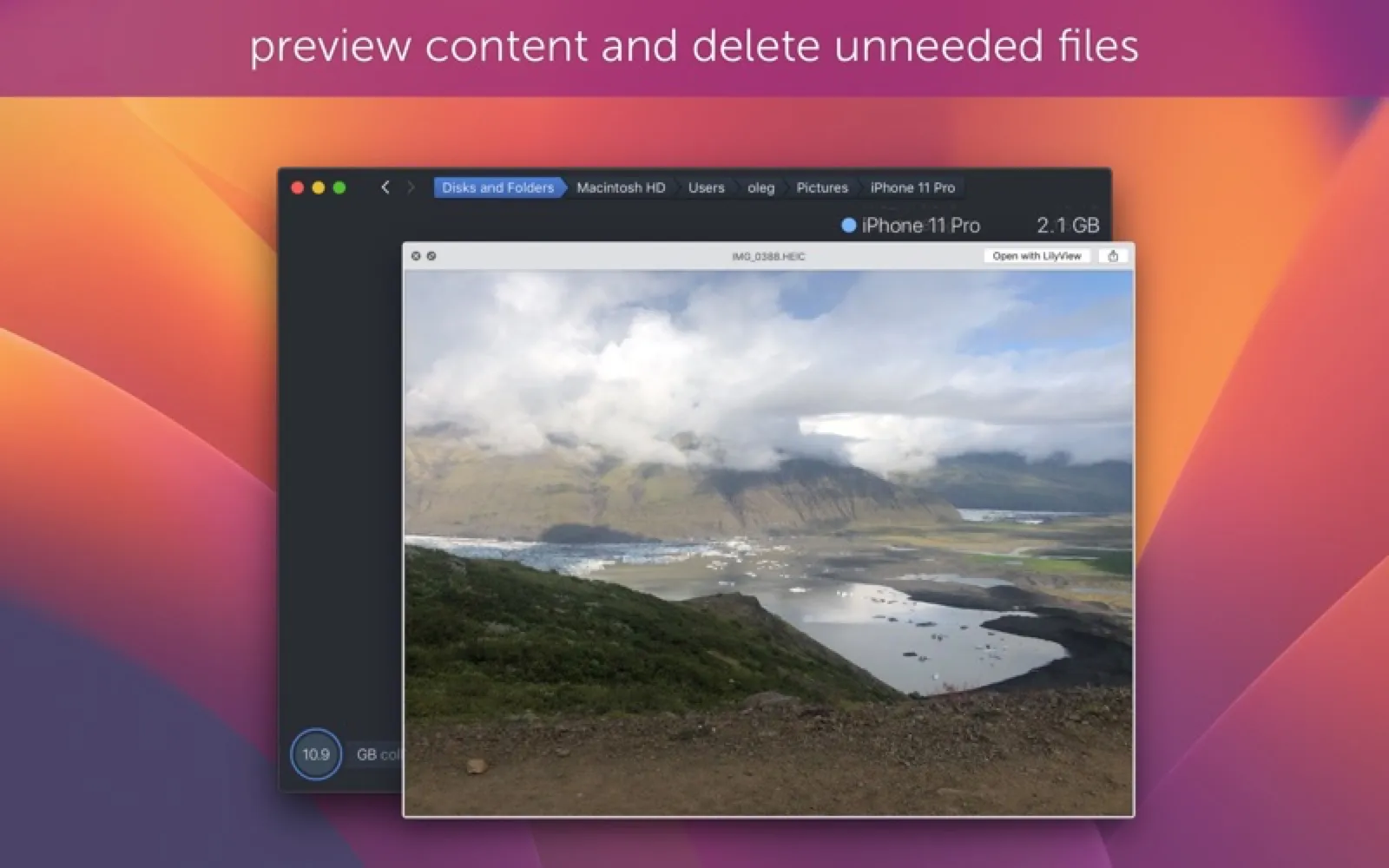
DaisyDisk scans your drives and draws a sunburst map of folders, so finding and clearing space is visual and quick.
Install DaisyDisk
Download it from the links above, or install it from the Terminal:
brew install --cask daisydisk mas install 411643860 Questions about DaisyDisk
How much does DaisyDisk cost?
DaisyDisk costs $9.99 as a one-time purchase on the Mac App Store.
Where can I download DaisyDisk for Mac?
Download DaisyDisk from the Mac App Store and the developer's website (daisydiskapp.com). MacWorthy links only to official sources.
Can I install DaisyDisk from the Terminal?
Yes. With Homebrew, run brew install --cask daisydisk. With Mac App Store CLI, run mas install 411643860.
Which macOS version does DaisyDisk need?
The Mac App Store version of DaisyDisk requires macOS 12.0 or later.
What are good alternatives to DaisyDisk?
Other utilities apps for Mac worth a look are Tidzy (one-time purchase), Diskscape (free + pro), Strata (one-time purchase) and MacTools (open source).
Other utilities apps like DaisyDisk
Tidzy
Search your files by the words inside images and PDFs.

Diskscape
A treemap of what is filling your disk.
Strata
See what is using your disk, then clear it with undo.
MacTools
A bundle of system controls in one menu bar item.

Bartender 6
Organize and hide menu bar icons.

Ice
A powerful, free menu bar manager.

iStat Menus
Your Mac's vital signs, in the menu bar.

Stats
Free system monitor for the menu bar.