
Diskscape
A treemap of what is filling your disk.
About Diskscape
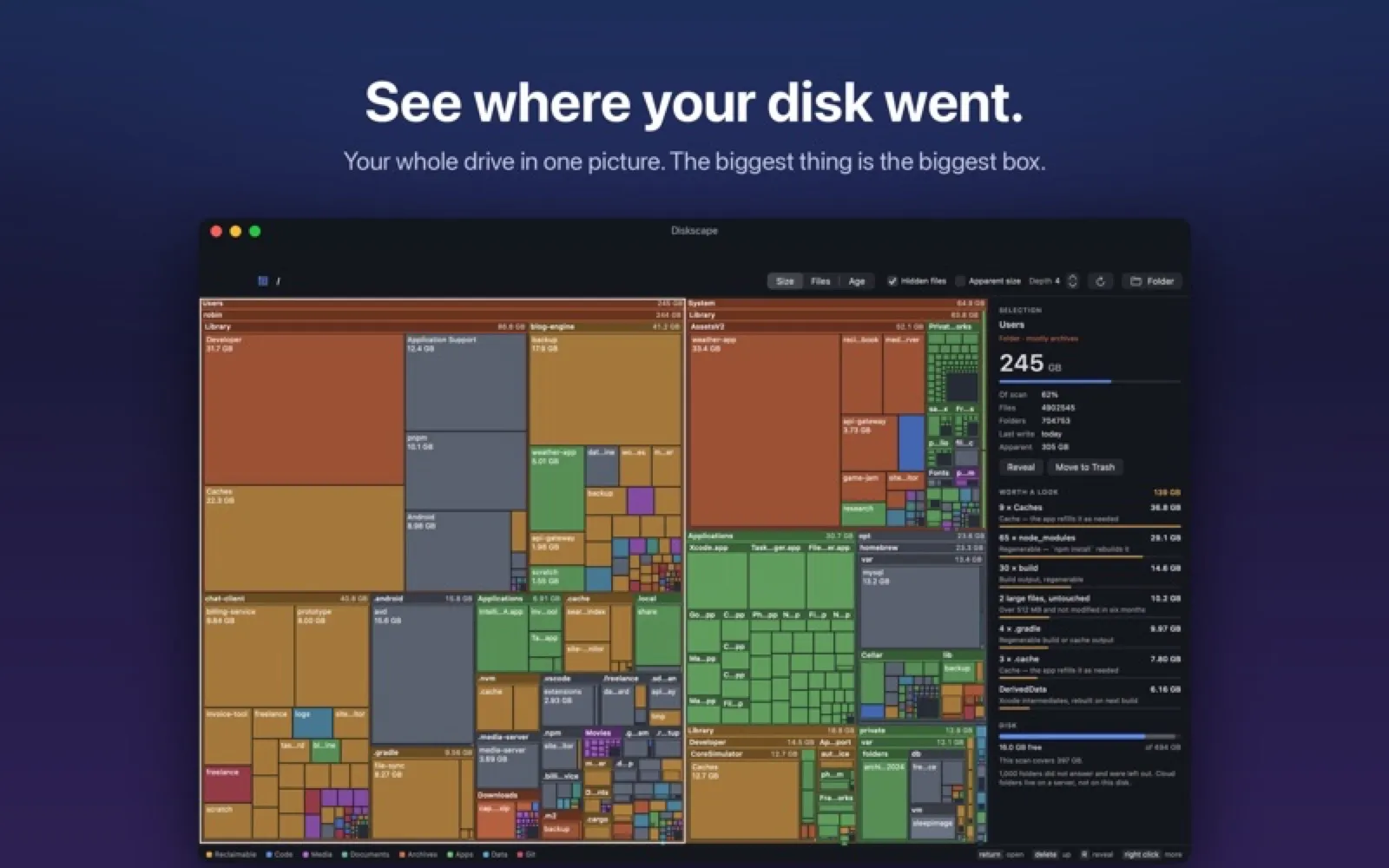
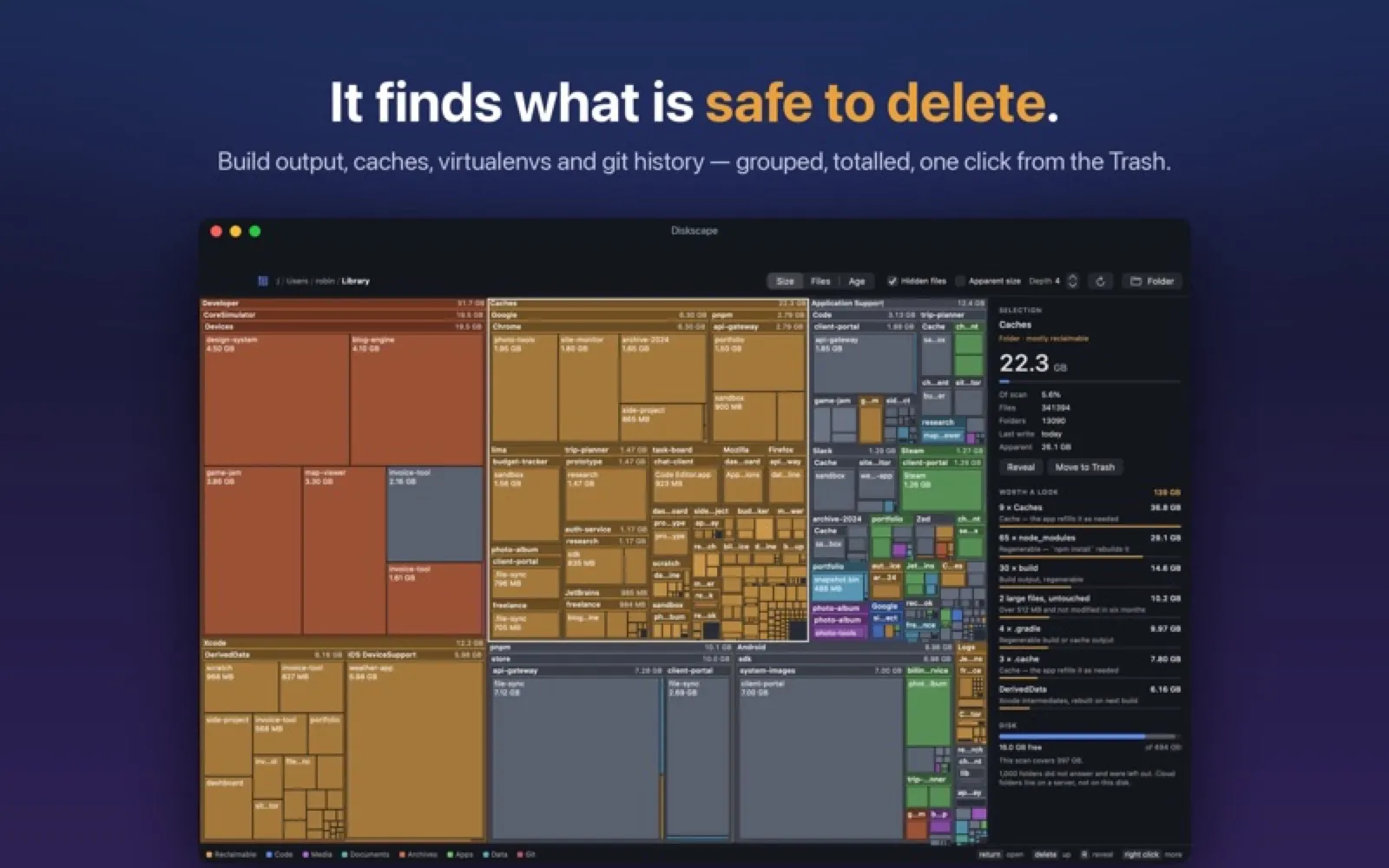
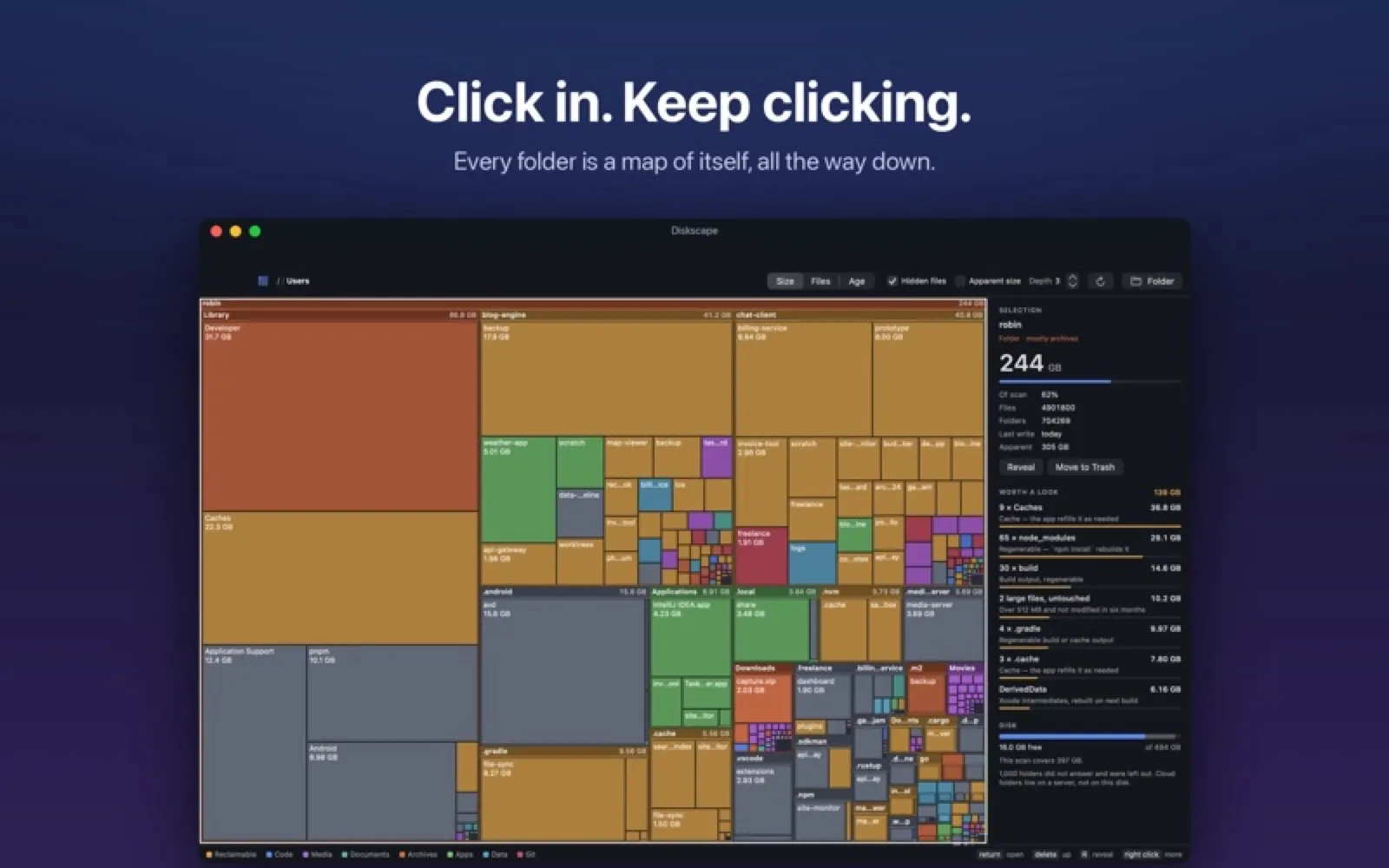
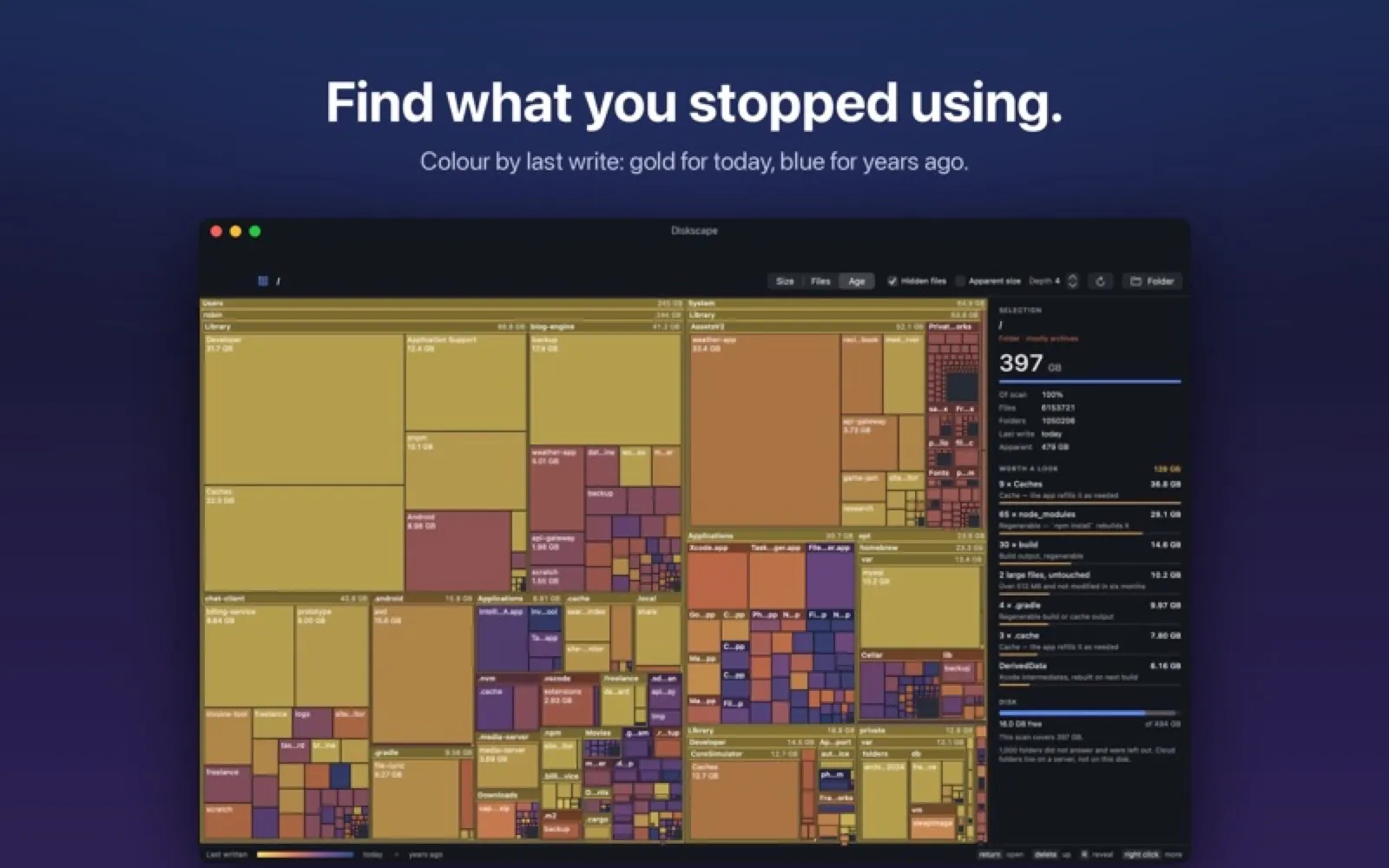
Diskscape maps a folder as nested boxes sized by bytes and coloured by content type or age, and groups developer leftovers such as node_modules, DerivedData and package caches. Scanning is free; moving files to the Trash from the map needs a subscription.
Install Diskscape
Download it from the links above, or install it from the Terminal:
mas install 6815896183 Questions about Diskscape
Is Diskscape free?
Diskscape is free to download and use, with paid upgrades for extra features.
Where can I download Diskscape for Mac?
Download Diskscape from the Mac App Store and the developer's website (serdaroztetik.com). MacWorthy links only to official sources.
Can I install Diskscape from the Terminal?
Yes. With Mac App Store CLI, run mas install 6815896183.
Which macOS version does Diskscape need?
The Mac App Store version of Diskscape requires macOS 13.0 or later.
What are good alternatives to Diskscape?
Other utilities apps for Mac worth a look are Strata (one-time purchase), DaisyDisk (one-time purchase), Tidzy (one-time purchase) and MacOSCleaner (open source).
Other utilities apps like Diskscape

Strata
See what is using your disk, then clear it with undo.
DaisyDisk
See what's filling your disk.
Tidzy
Search your files by the words inside images and PDFs.
MacOSCleaner
A free cleaner and uninstaller with no telemetry.
Mole
Cleanup, uninstalls and system stats in one window.

Purge
A careful Mac cleaner that uses the Trash.

MacTools
A bundle of system controls in one menu bar item.

Bartender 6
Organize and hide menu bar icons.